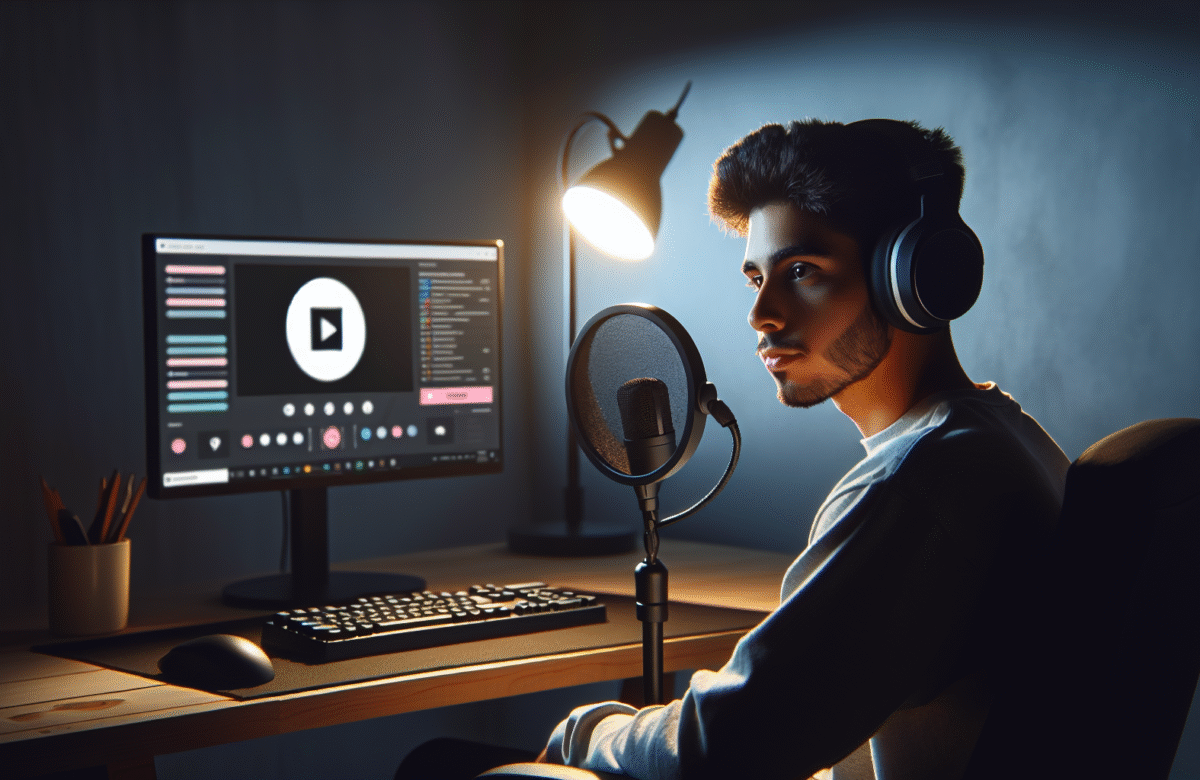

Starting your first live stream feels exciting and a bit scary. This getting started guide walks you through the beginner basics step by step so you can go from zero to hitting the Go Live button with confidence and a clear plan.
What This Getting Started Guide Will Help You Do
Who this beginner introduction is for
This getting started guide is for new streamers who want a simple beginner introduction without technical jargon. Maybe you have watched other creators and wondered how to get started or you already tried streaming once and felt overwhelmed by settings and gear.
You do not need a studio, a DSLR camera or expensive lighting. You just need a basic computer, a stable internet upload speed and a clear idea of what you want from streaming in the next few months.
What you will have finished by the end
By the end of this step by step tutorial you will have chosen a main goal, picked your content focus, set a simple schedule and decided on one streaming platform to start with.
You will know the minimum beginner streaming gear you actually need, how to choose live streaming software, the starting streaming bitrate and video settings to use, and how to build basic streaming scenes and overlays.
You will also have a repeatable getting started checklist you can follow before, during and after every stream so going live becomes a smooth routine instead of a stressful guess.
Decide What You Want From Streaming Before You Go Live
Pick your main goal for the next 90 days
Before you touch any software or gear decide why you want to stream. For the next 90 days pick one main goal. It might be to get comfortable on camera, to build a small community around one game or to learn the basics of live streaming software.
When you know your short term goal every decision becomes easier. If your goal is practice you do not need perfect graphics. If your goal is community you will care more about viewer engagement tactics and chat moderation basics.
Choose your game or content focus
New streamers grow faster when they choose one clear content niche instead of switching constantly. Pick one main game or topic that you enjoy and that you can talk about for hours.
For example a beginner who streams the same game three times a week gives viewers a reason to come back. They know what to expect and can follow your progress. This is far easier to grow than a channel that changes game every stream.
You can always add variety later but starting with a clear focus makes your getting started phase much smoother.
Set a simple schedule you can keep
Consistency matters more than long streams. Start with a realistic stream schedule planning around school or work. A simple example is Monday Wednesday and Friday evenings for two hours each.
Write your schedule down and add it to your profile. Viewers are more likely to return if they know when you will be live. Treat your schedule as a promise to yourself not just your audience.
Beginner Basics Gear You Actually Need To Start Streaming
Minimum computer and internet requirements
You can get started with a mid range laptop or desktop that can already run your chosen game or content apps. As a rough guide a modern quad core processor and eight gigabytes of RAM is usually enough for basic 720p streaming.
Your internet upload speed is even more important. Check it with any speed test tool. For a 720p stream a good starting point is at least five megabits per second upload. This matches the example checklist item verify upload speed is at least five megabits per second for a seven twenty p stream.
If your upload speed is lower reduce your streaming bitrate and resolution. A stable lower quality stream is better than a high quality stream that constantly buffers.
Microphone camera and lighting priorities
Viewers forgive average video but leave quickly for bad audio quality for streams. If you can only upgrade one thing start with sound.
Imagine a scenario where a beginner uses a built in laptop mic versus a basic USB mic. The built in mic sounds distant and picks up keyboard noise. The USB mic sounds clearer and closer. Viewers can relax and listen longer so your retention improves even if the picture looks the same.
For camera you can start with no camera at all or a simple webcam. Many beginners stream audio only at first while they learn. For lighting use any soft light source in front of you rather than a bright light behind you which causes shadows.
Optional upgrades you can add later
Once you have streamed consistently and proved to yourself that you enjoy it you can upgrade in stages. Consider a better webcam, small LED panels for lighting, a boom arm for your mic and extra monitors for managing chat and stream analytics.
These are nice to have not need to have. Your first focus is clear audio, a stable stream and a friendly presence.
Choose Your First Streaming Platform As A New Creator
What to look for in a beginner friendly platform
As a new creator pick one main streaming platform instead of trying to stream everywhere at once. Look for a simple interface, good moderation tools, clear rules and a community that suits your content niche selection.
Also check how easy it is to export clips, whether it has built in stream analytics and how discoverable small channels are.
Quick comparison of major platforms for new streamers
Different platforms suit different goals. Some focus on live gaming, others mix music, art and chatting. Some give strong tools for VOD and clipping while others lean into community features and chat engagement.
Start where your ideal viewers already spend time. Since this is a getting started guide pick one and commit to learning it deeply before adding more platforms later.
How to claim your name and set up your profile
Once you choose your platform claim a name that matches your online identity across social channels if possible. Add a clear profile picture, a short About section that states what you stream and your schedule, and simple panels with basic rules.
Share your stream schedule planning details so visitors know when to return. Even a simple line like Live three nights a week after work makes you look more serious than an empty profile.
Set Up Your Streaming Software Step By Step
Install and connect your streaming software
Next pick your live streaming software. Most beginners use a free app with presets for common platforms. Download it, log in with your platform account and use the auto configuration wizard if offered.
For starter settings choose a streaming bitrate around two thousand five hundred, a seven twenty p resolution and thirty frames per second. This matches a typical example starting settings in a popular streaming app such as twenty five hundred bitrate seven twenty p and thirty frames per second.
Add scenes audio and overlays
Inside your software create a few basic scenes. One for live gameplay or main content, one for a starting soon screen and one for a be right back screen.
Add your display or game capture, your microphone audio source and your desktop audio. Then add simple overlays such as your name and a minimal frame. Streaming scenes and overlays do not need to be complex at first. Clean and readable always beats cluttered.
Run a private test stream and fix issues
Before you go public run a private or unlisted test stream. Speak as if live, switch scenes and check your streaming bitrate, CPU usage and dropped frames in the stats window.
Watch the recording or VOD and listen for background noise, buzzing or volume jumps. Adjust your mic gain, add a noise gate if needed and balance game and voice levels so you are always clear.
Fixing these issues now saves you from losing early viewers who click away due to poor audio or stuttering video.
Create Your Getting Started Checklist For Every Stream
Pre stream checklist
A simple getting started checklist removes stress and forgotten steps. For pre stream checks include items such as close unused apps, plug in or charge your devices, verify upload speed is at least five megabits per second for your target resolution and open your notes for talking points.
Also add start streaming software, select correct scene, check mic levels, check camera framing and post a Going live soon update where your audience follows you.
Live stream checklist
During the stream remind yourself to greet new viewers by name, describe what you are doing, and invite questions. Check chat regularly and adjust volume if viewers mention issues.
Have a short message ready to explain your channel focus and schedule so each new viewer quickly understands why they might follow.
Post stream checklist
After you end the stream take five minutes for a quick review. Note what went well, what felt awkward and any technical problems.
Update your stream title for next time if you already know what you will do. Save or export one or two highlights or clips while the stream is fresh in your mind.
Beginner Basics For Engaging Your First Viewers
Talk even when no one is chatting
For your first weeks you may stream to very few viewers. This is normal. Use this period as low pressure practice.
Keep talking even when chat is silent. Explain your thoughts, goals and decisions in the game or content. This way when a new viewer joins they hear a friendly voice instead of silence and are more likely to stay and say hello.
Use alerts and simple interactions
Add basic alerts for follows, subscriptions or likes. You do not need advanced widgets. Simple alerts give you natural moments to thank people and build connection.
Use straightforward viewer engagement tactics such as asking multiple choice questions, letting chat choose your next challenge or inviting feedback on your layout.
Handle trolls and burnout from day one
Prepare simple chat moderation basics before you need them. Set clear rules, enable basic filters and consider adding trusted friends as moderators when you can.
Also protect your own energy. Schedule regular breaks, keep water nearby and accept that not every stream will feel amazing. Burnout often hits beginners who stream too many hours too soon. Stick to your planned schedule and allow yourself days off.
Measure Your Progress And What To Improve Next
Simple metrics that matter for new streamers
Stream analytics can feel overwhelming so focus on just a few numbers at first. Track average viewers, chat messages per stream and how often you go live each week.
These metrics show whether people enjoy staying, talking and returning. Follower counts move more slowly and can be misleading for beginners so treat them as a bonus not your main score.
What to tweak each week
After every stream write down one thing to improve next time. It might be clearer stream titles, adjusting camera position, changing game category tags or improving your opening introduction.
Each week choose one area to focus on such as audio quality for streams or smoother scene switching. Small consistent tweaks add up quickly.
When to upgrade gear or add platforms
Only think about upgrading gear or adding more platforms once you have streamed regularly for at least a few weeks and feel your current setup is holding you back.
If your audio is already good and your computer struggles, upgrade your hardware. If your single platform is growing steadily and you have capacity, you might later restream or upload edited highlights elsewhere. But during your getting started phase keep things as simple as possible.
Next Steps After You Finish This Getting Started Guide
Turn your first streams into a repeatable system
By now you have a clear goal, a chosen content niche, basic live streaming software set up and a checklist for each stream. Turn this into a simple system you can repeat without overthinking.
Use templates for stream titles, reuse your scenes and overlays and follow the same pre stream and post stream steps every time. Systems reduce nerves and free your brain to focus on your viewers.
Plan your next learning steps as a creator
Treat your first months as pure practice. Experiment with different formats, test new viewer engagement tactics and learn more about your platform tools.
As next steps you might study better audio techniques, explore advanced scene transitions, learn more about content niche selection or dig deeper into your stream analytics to understand what viewers enjoy most.
The key is to keep showing up. Every stream teaches you something new.
To sum up, you now know how to define your short term goal, choose a clear content focus, confirm your internet upload speed and computer basics, select a beginner friendly platform and set up your live streaming software with sensible starting settings. You have seen why audio quality matters most, how to build simple scenes and overlays, and how to use a getting started checklist so each stream runs smoother than the last.
Do not wait for a perfect setup. Use this getting started guide today, run a private test stream and then schedule your first real live session this week. The only way to become a confident creator is to start streaming and learn by doing.
FAQs
What is the first thing I should do before I start streaming
The first thing to do is decide your main goal for the next 90 days and choose one game or content focus that matches it. Once you know why you are streaming and what you will stream you can pick a platform, set a simple schedule and make sure your computer and internet upload speed can handle a basic 720p stream.
How much does it cost to get started streaming as a beginner
You can get started streaming for very little if you already have a computer that runs your chosen game or content apps and a stable internet connection. In many cases the only recommended purchase is a basic USB microphone which is often available at a low cost and gives a big improvement over a built in laptop mic. Cameras lighting and advanced overlays can all wait until you have streamed consistently for a while.
Can I start streaming with a laptop and no camera
Yes you can start streaming with just a laptop and no camera. Many beginners focus on clear audio and the content itself first. Make sure your laptop can handle both the game and the live streaming software at the same time and that your upload speed is strong enough. You can always add a webcam later once you are comfortable and ready to show your face.
How long should my first few streams be
For your first few streams aim for sessions of one to two hours. That is long enough to warm up, practise talking to chat and give viewers a chance to find you but short enough that you do not burn out. Focus on streaming consistently a few times a week instead of doing very long streams rarely.
How do I know if streaming is right for me
You will only know if streaming is right for you by trying it for a period of time with low pressure. Commit to your planned schedule for a few weeks, treat every stream as practice and pay attention to how you feel before and after going live. If you enjoy sharing your thoughts, learning from mistakes and interacting with even a small number of viewers there is a good chance streaming can be a good fit for you.